
Platform tools
Classification Verification
Check MasterFormat references in a PDF against the expected edition and review possible problems.
Review possible problems
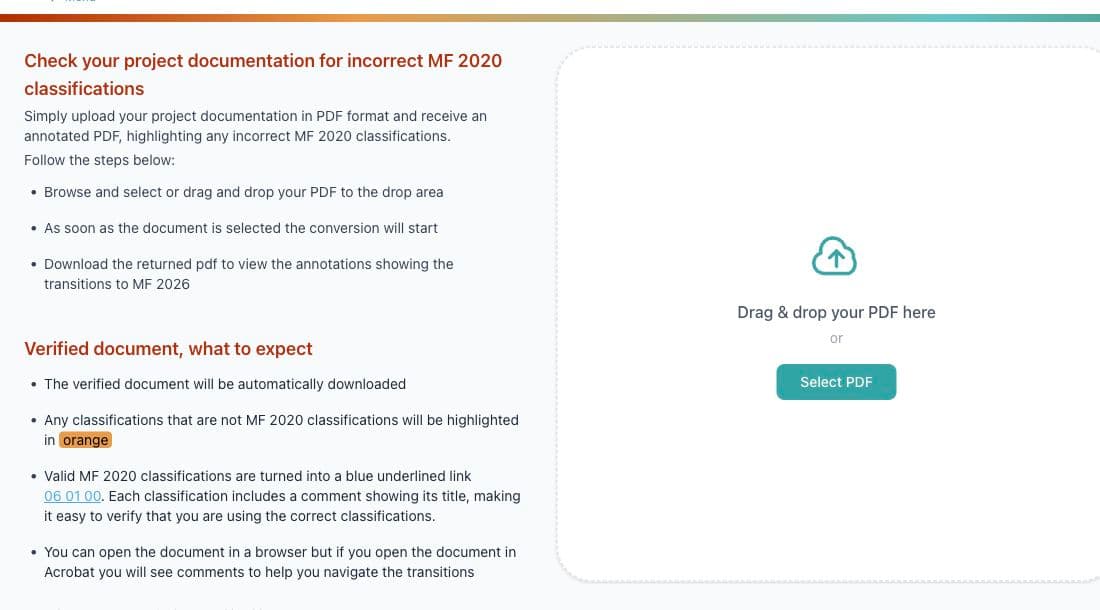
Upload a PDF and the tool returns an annotated copy showing classifications that should be reviewed.
How it works
- Upload a PDF.
- The platform checks classification-like references against MasterFormat 2020.
- Download the annotated PDF.
- Review highlighted references.
- Correct the source document where necessary.
Read the annotations
Orange
The reference was not recognized as a valid MasterFormat 2020 classification and should be reviewed.
Blue link
The classification was recognized and links to its CDS Platform record for additional context. The PDF comment shows its title.
A recognized classification is not proof that it is contextually correct for every project use. Confirm the classification against the document and project requirements.
Review the annotated PDF
The annotated PDF downloads automatically. Acrobat displays comments that help you move through the results; you can also open the PDF in a browser. Apply corrections to your source document, not only to the review copy.