Find and Verify MasterFormat Sections with AI
Use AI to suggest CSI MasterFormat sections and verify the number, title, and edition in CSI Dynamic Standards before adding a reference to your specification.
Quick answer
An AI tool can suggest a MasterFormat division or specification section from a scope description. To return a result that a specifier can use, it needs an authorized source for the project’s MasterFormat edition and a way to verify the suggested number and title against it. A chat response is a candidate until that lookup succeeds.
How to find the right section
Start with the work being specified. Include the assembly or system, what the contractor is expected to furnish or install, and where the scope begins and ends. If a project manual already exists, use its table of contents and the project’s stated edition as context. Ask the tool to return candidate sections, the rationale for each candidate, and the reference it used. Short descriptions such as “controls” or “door work” usually need more information before they can be mapped confidently.
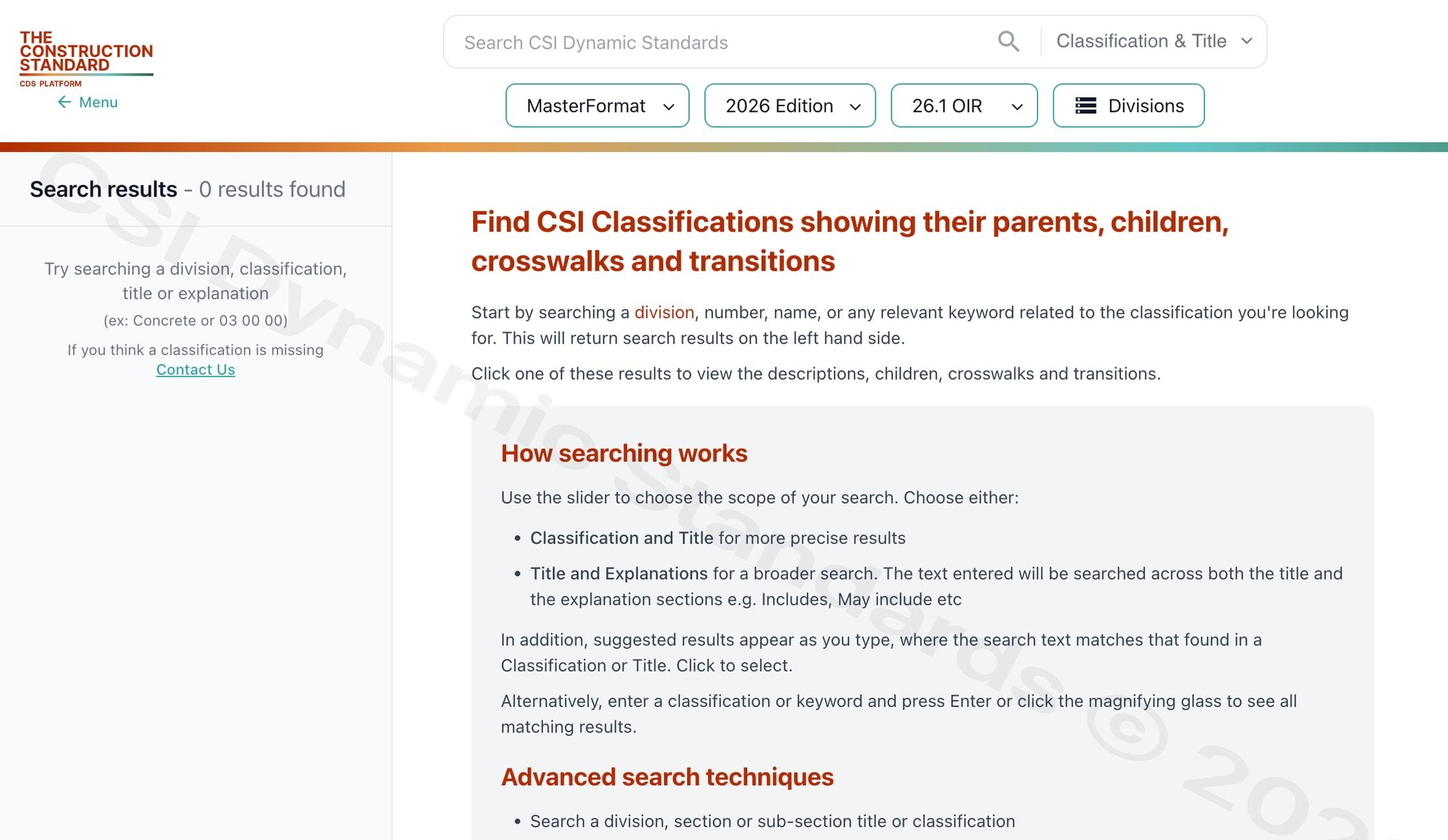
Search the licensed reference for the number and title. Compare the full hierarchy and the actual project scope. A division gives you a place to look. It does not establish which section owns a particular item in the project manual. Use MasterFormat online to confirm the reference, then record the edition, the source, and the person who approved the match.
Example: an air handling unit and its controls
Suppose a scope note says “provide AHU with factory controls and connect it to the building automation system.” An AI tool might place all of that work under one HVAC section. The project may have separate scopes for the unit, controls furnished with the unit, and the field integration. The note alone does not tell you who owns commissioning, point mapping, or the connection to the wider system.
Start in Division 23. Review candidate sections for the equipment and the controls separately, then check the project manual for their actual scope boundaries. If the manual assigns integration elsewhere, record the reference and the interface instead of asking AI to collapse the work into one code. In a live MasterFormat 2026 lookup using OIR 26.1, “air handling” returned both a schedule and indoor and outdoor equipment classifications. The project documents and verified edition determine the final sections.
What to look for in an AI tool
- Source and edition. Ask the tool to identify the source it queried and the MasterFormat edition behind every result.
- Verifiable results. Require the returned number and title to match an authorized reference. Record whether that check passed or whether the lookup found a changed, missing, or ambiguous entry.
- Scope reasoning. Check whether the tool can explain why a candidate fits the work and where adjacent sections might apply.
- Handling uncertainty. When the scope is incomplete, the tool should return a question or flag the item for review.
- Review trail. Keep the original scope text, the verified reference, and the approval so the team can reproduce the decision later.
Building lookup into your own software
Separate the language task from the reference check. Use AI to extract scope and propose candidates. Resolve the candidates against the authorized classification source for the selected edition. Return the verified reference alongside the original scope and route ambiguous results to a specifier. A valid classification confirms the number and title in that edition. The specifier still decides whether the section applies and whether the technical requirements are adequate.
If your software needs to retrieve or process CSI data, review the construction classification API and data access options and confirm that the applicable license covers your intended use.
Access Current CSI Standards
CSI Dynamic Standards provides authorized access to MasterFormat, UniFormat, and OmniClass through a connected, edition-aware platform. Create an account to view access options, or review pricing for organization-wide standards use.
Sources and review scope
Reviewed against CSI’s public standards information for scope, terminology, and licensing context. This public guide provides orientation and does not reproduce or replace the licensed standard. Content review date: November 10, 2026.
People also search for
Explore closely related CSI divisions, standards, and construction classification topics.
Access MasterFormat®, UniFormat®,
and OmniClass®

123 N Pitt St. Suite 450
Alexandria, VA 22314info@theconstructionstandard.com